
Handoff three: the warehouse check and its photos
The last moment a problem is still the seller's to fix. Read the record before you build a parcel.
The check handoff at a glance
- Who holds the item
- Warehouse staff in Anji, who sign it in, inspect it, weigh it and shelve it in your space.
- Your move
- Open the warehouse record, compare it with your order, and raise any visible problem before you create a parcel.
- Money at this point
- Nothing new. The basic inspection is free.
- Status on screen
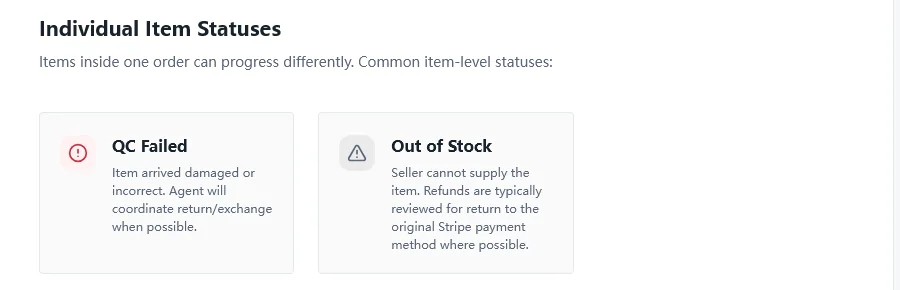
- Stored when the item passes. At item level, QC Failed when it arrives damaged or wrong.
- Where it snags
- Wrong colour or size, a missing piece from a set, visible damage, or a buyer who skips the record and finds the fault at home.
What GuaBase's basic quality check covers
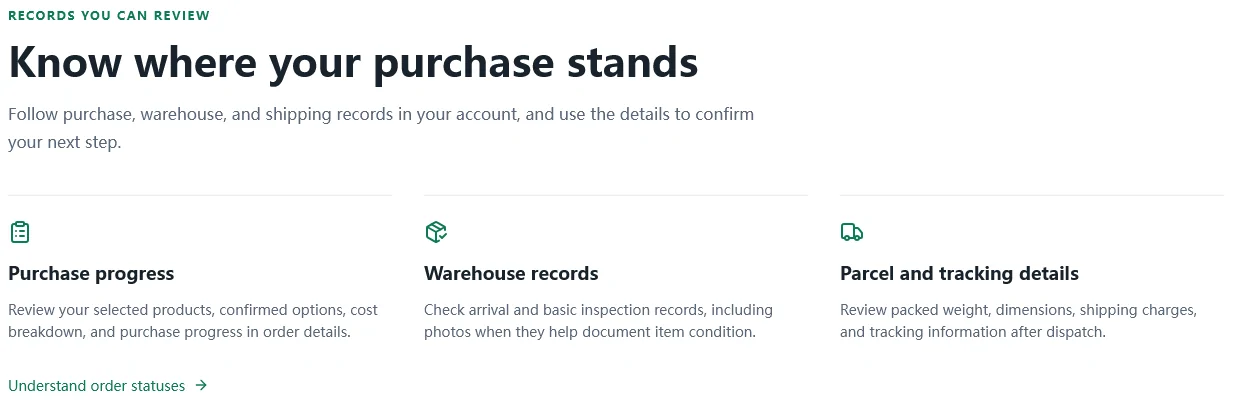
GuaBase describes its quality check in one line: basic checks focus on quantities, options and visible issues. In practice that means staff confirm the right number of pieces arrived, that the colour, size or model matches the option you paid for, and that nothing is visibly broken, stained or torn. They also record the weight, which feeds the freight quote two handoffs later.
QC photos are attached when they help document the result. GuaBase publishes no fixed number, so do not expect a set of a particular size; a plain T-shirt that matches its order might get fewer pictures than a pair of shoes with a scuff. The record and any photos sit in your account under warehouse records.
Reading the QC record in five minutes
How to review QC photos without an expert eye, in five passes:
- Hold your order note next to the record. Colour, size, model, bundle.
- Count pieces, including straps, boxes or inserts.
- Look for stains, loose threads, scuffs, dents and cracked packaging.
- Read any label or tag in shot: the size printed inside should match the size you chose.
- Check printing, lettering and custom work against what you asked for.
If something fails, stop. Contact support before you create the parcel.

QC Failed, and the decision it hands you
QC Failed is an item-level status, so one bad item does not fail the whole order. GuaBase defines it as an item that arrived damaged or incorrect, and says its agent will coordinate a return or exchange with the seller when possible. Two rules decide the money. If the return is confirmed as the seller's fault or the item's fault, the item amount is usually refundable. If you simply changed your mind, the seller's own return rules apply, and those can mean return postage on your side or no return at all for some goods.
Timing is everything here. A return from the warehouse back to a seller a province away is routine; a return from your country back to China rarely is. GuaBase's guide makes the same point: resolve visible problems before international dispatch whenever possible.
What no warehouse check can tell you
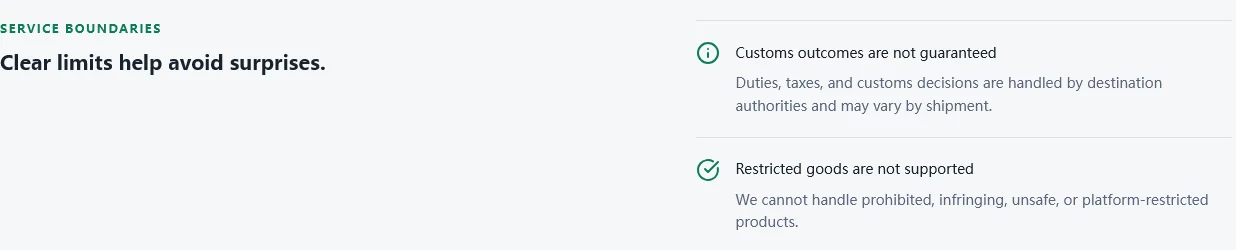
GuaBase's own wording is worth quoting because it is unusually direct: its inspection "is not authentication, laboratory testing, or a guarantee of internal condition or long-term performance." A basic check cannot tell you whether a battery holds charge for a year, whether a fabric pills after ten washes, or whether a jacket fits your shoulders. It also cannot vouch for where a product came from.
On that last point GuaBase draws its own line on the About page: it cannot handle prohibited, infringing, unsafe or platform-restricted products. If a listing leans on someone else's brand, expect it to be refused rather than checked.
Questions people bring to the check
How many free QC photos do I get?
GuaBase sets no number. Photos are added when they help document the result.
Can I ask for more photos or a measurement?
GuaBase does not publish an extra-photo service or a price for one. Its advice is to contact support before you create the parcel when the evidence suggests a problem, so ask then, with the order number.
What do GL and RL mean?
Forum shorthand for green light and red light: approve the item and ship it, or reject it and return it. GuaBase's screens do not use those words. Its equivalent of a green light is creating the parcel; a red light is raising the issue with support before you do.